Zocdoc for Providers — home

Promote Your Practice on Social Media

Promoting your practice on social media can improve visibility, educate potential patients, and generate bookings. This hub contains a few resources to support your practice’s online success.

zocdoc business social media hero image

The Social Toolkit

When you use these marketing materials, tag @zocdoc in the caption for a chance to be reposted!

  • Ready-to-Use Social Posts

    Ready-to-Use Social Posts

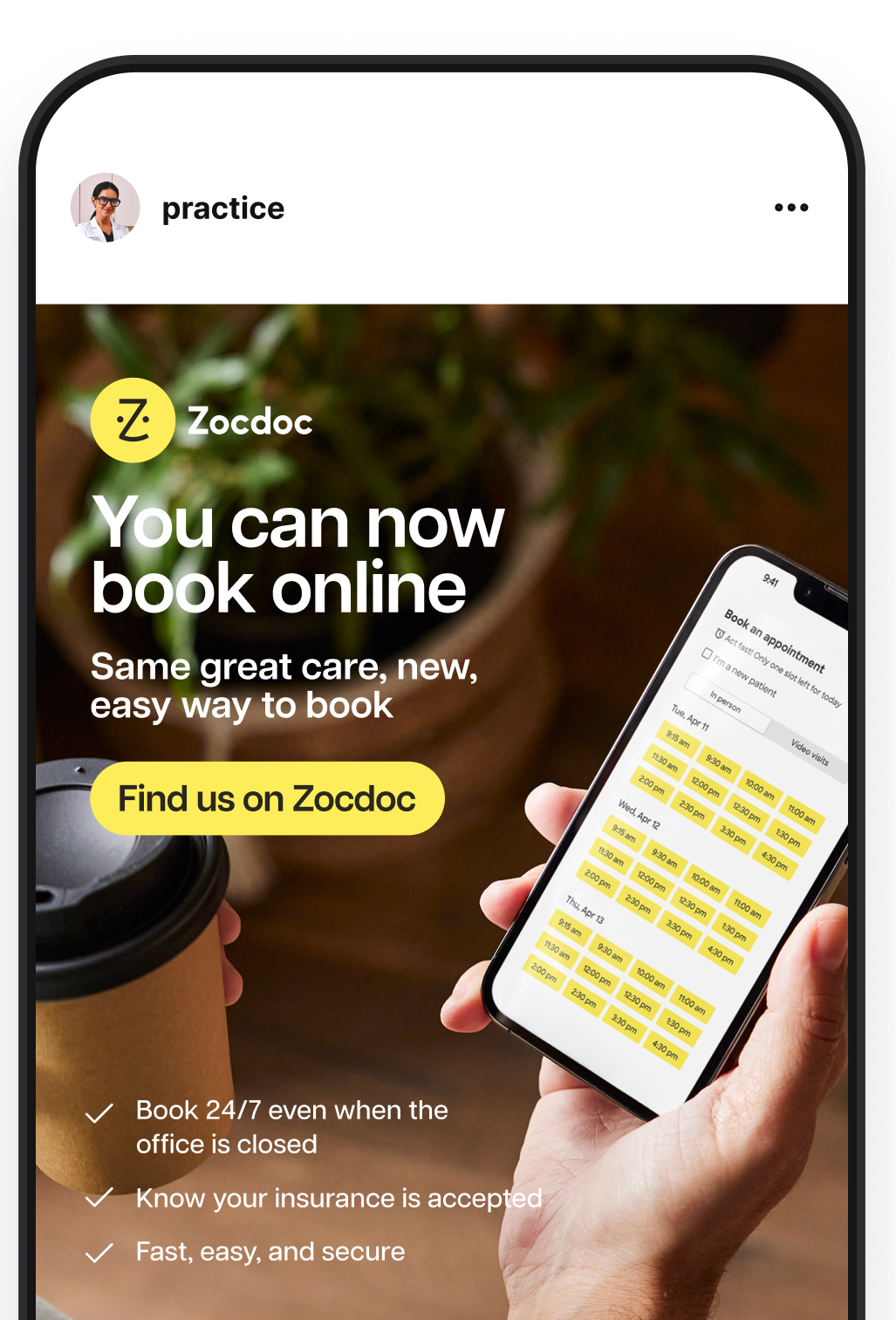
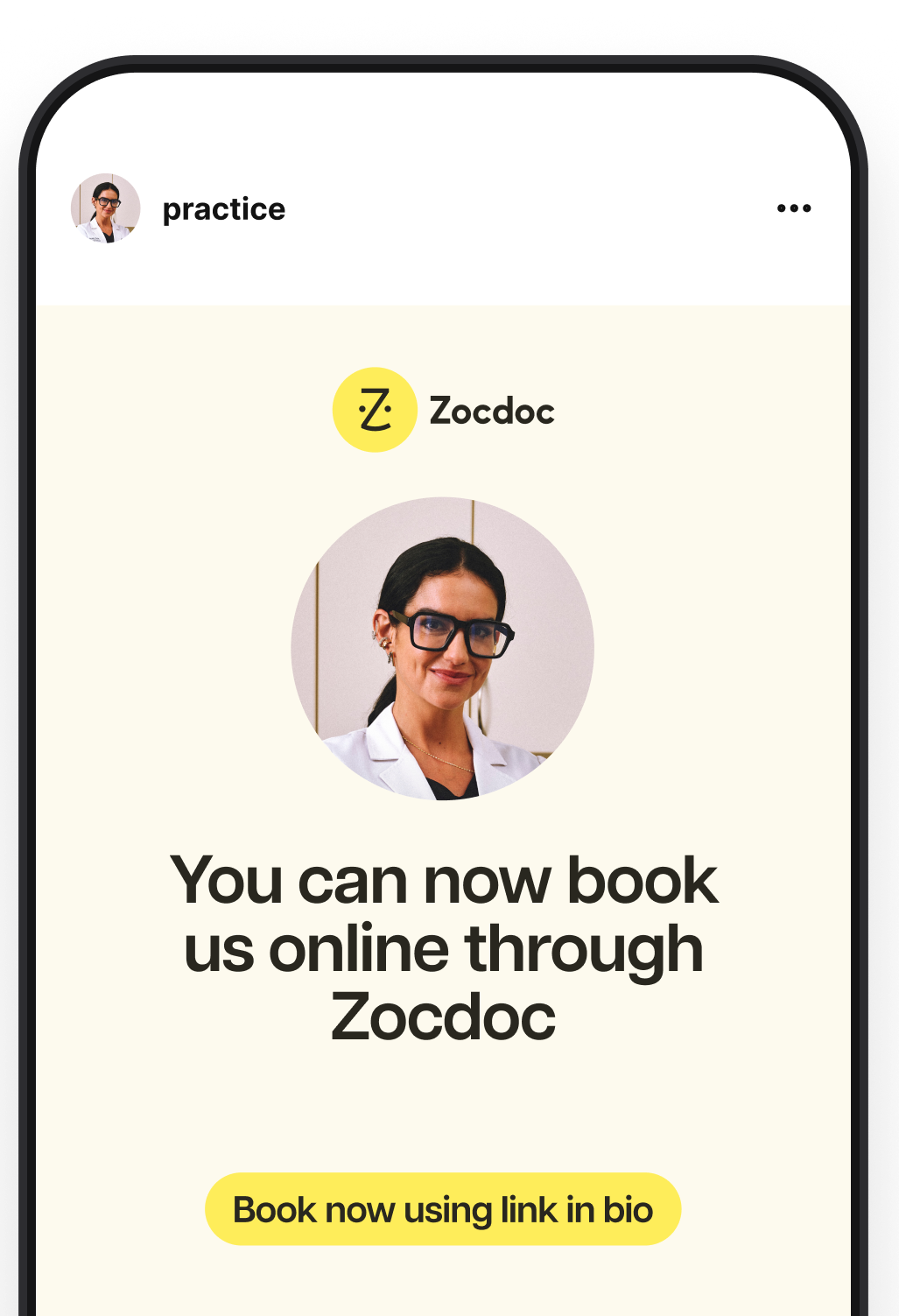
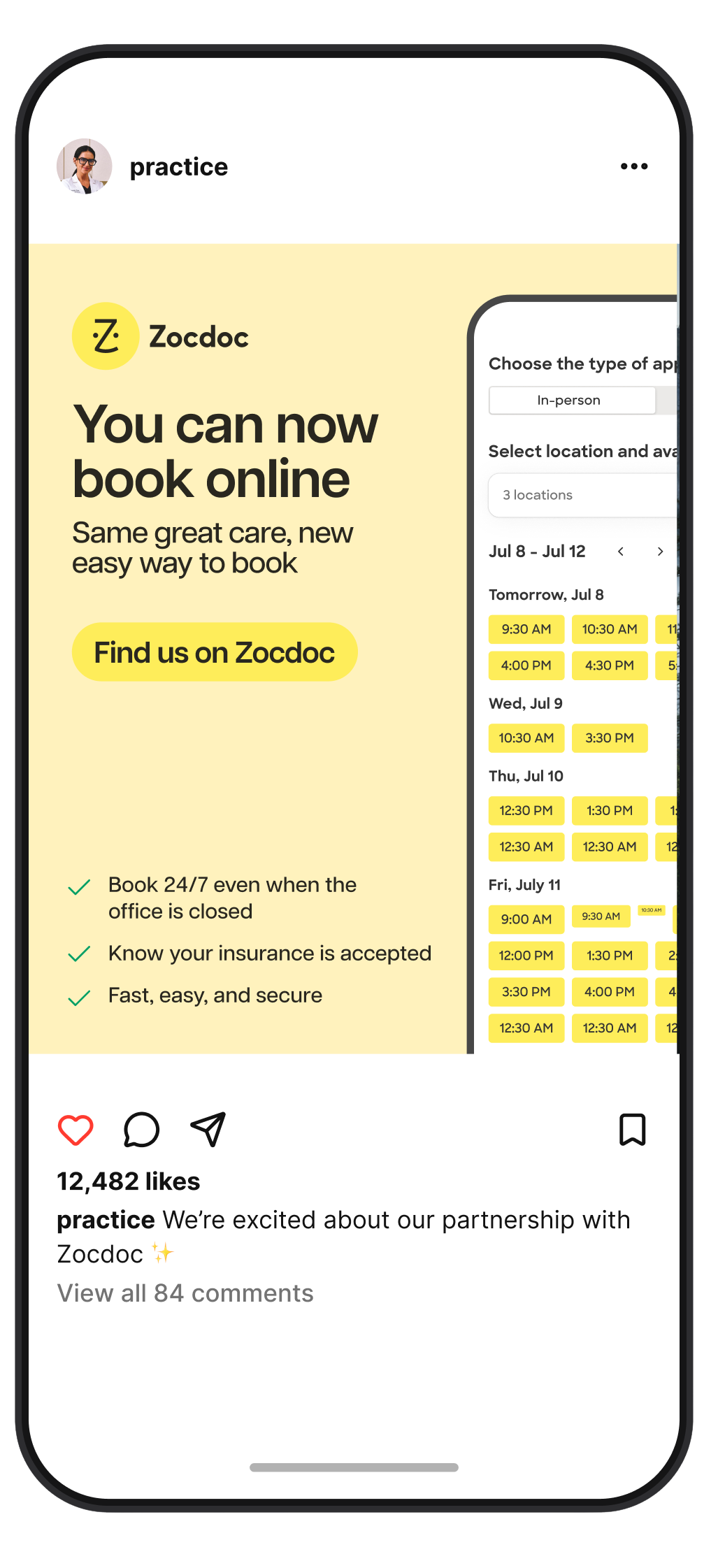
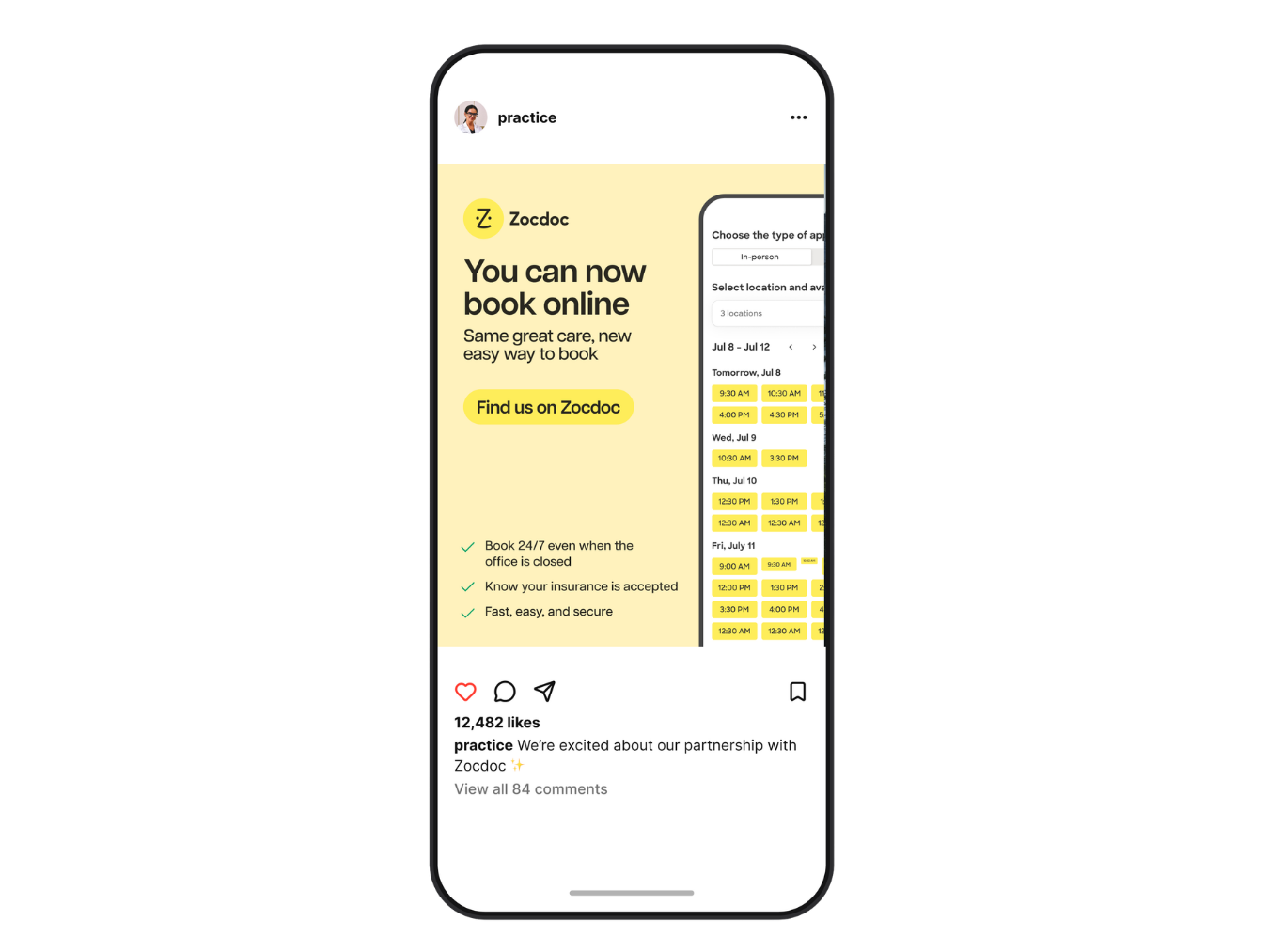
    If you’re short on time, download our ready to use graphics. You can upload these directly to your feed or your stories to tell your patients they can now book the same great care easily and safely through Zocdoc. We’ve also created a print version you can use for physical signage in your practice.

    Download Posts
  • Customizable Templates

    Customizable Templates

    For a more personalized touch, access our Canva templates. Make a copy of the template, and customize it with any other information you’d like to share.

    Customize Now
  • Branded Stickers

    Branded Stickers

    For our social media experts, use these stickers to add a branded touch over top of other media, like imagery, video, or more.

    Download Stickers

How to Use This Kit

  • For Our New Providers

    For Our New Providers

    We recommend using our Now Bookable on Zocdoc kit. It’s a great way to let your patients know they can now book online!

    Download
  • For Our Tenured Providers

    For Our Tenured Providers

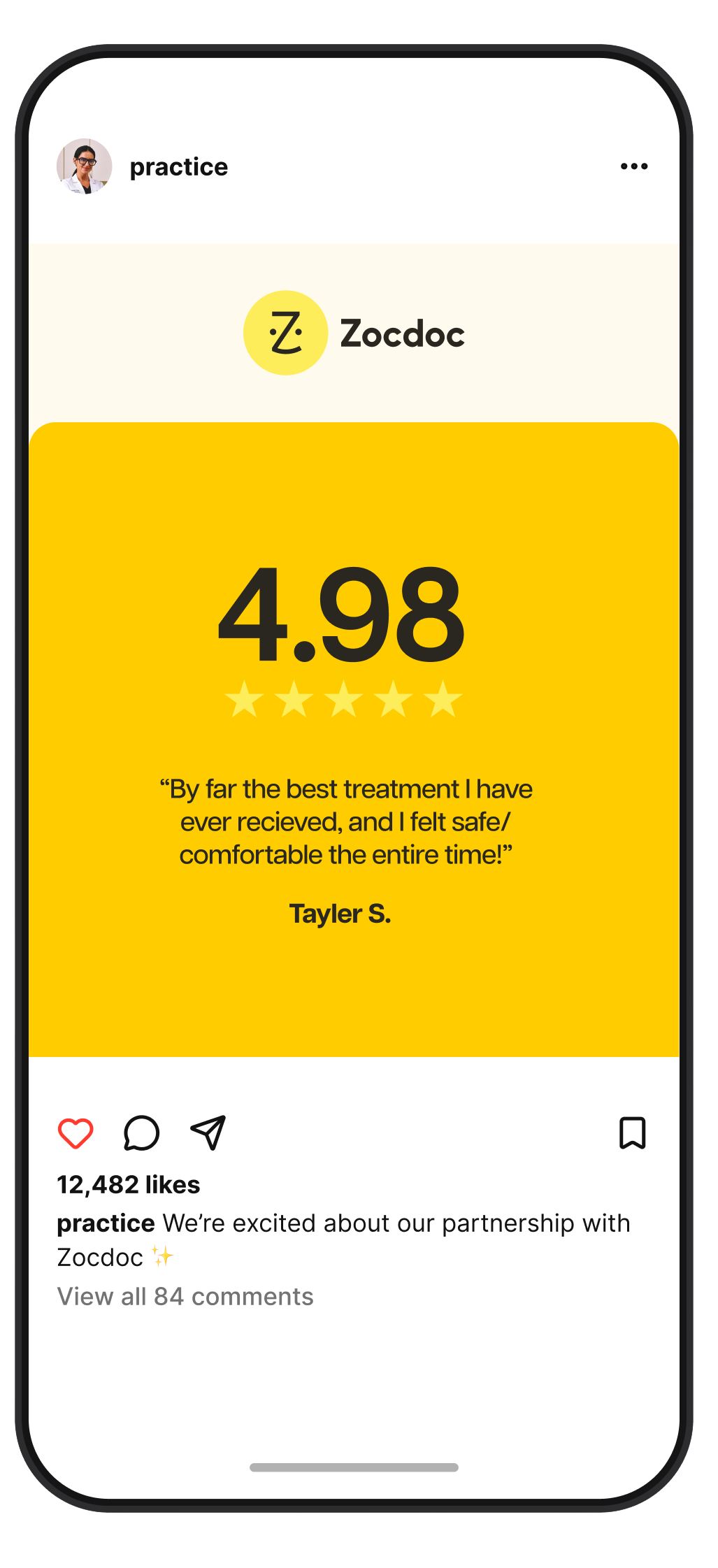
    You can now show off your stellar reviews and ratings with new social materials. To use these, pull existing reviews and ratings from your profile and drop them into these templates.

    Download

Other Tips to Improve Visibility

  • Tag Us

    Tag @zocdoc for a chance to be reposted to our pages.

  • Use Relevant Hashtags

    Use #Zocdoc and #healthcare (plus relevant to your specialty) to boost your visibility.

  • Captions and Link in Bio

    Include your profile link in your social bios, and use direct calls to action in your captions.

Get in touch

Don’t see what you’re looking for? Let us know how we can help.